How Fetch And Display Product on UI from api | React Fetch API Tutorial with FakeStore
In this React JS tutorial, you’ll learn how to fetch data from the FakeStore API when a button is clicked. I’ll show you **two ways** to fetch data: 1️⃣ Using `.then()` 2️⃣ Using `async/await` This is a perfect video for beginners to understand both promise methods, event handling, and conditional rendering in React. 🔗 FakeStore API: https://fakestoreapi.com/ ⏱️ Timestamps: 00:00 - Intro 00:30 - Setup React App 01:20 - Button to Fetch Data 02:10 - Fetch using `.then()` method 04:00 - Fetch using `async/await` method 06:00 - Render Products to UI 08:00 - Final Output & Tips ✅ Topics Covered: - How to fetch API data on button click - Differences between `.then()` and `async/await` - Rendering product data in React - FakeStore API usage - React state and event handling 👍 Like, 💬 Comment, and 🔔 Subscribe to Code Learnium for more practical React tutorials! #ReactJS #FakeStoreAPI #ReactFetchAPI #AsyncAwait #ReactButtonClick #CodeLearnium
More Tutorials
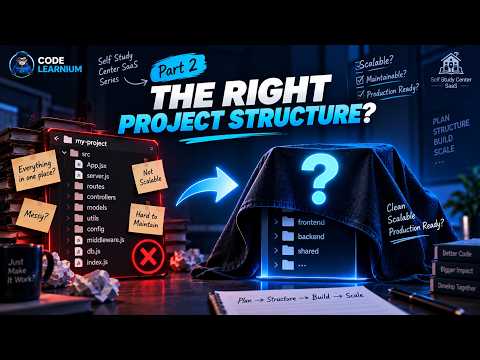
Multi-Tenant SaaS Project Structure with MERN | Frontend & Backend Architecture | #2

How to Design a Multi-Tenant SaaS Database | MERN Stack
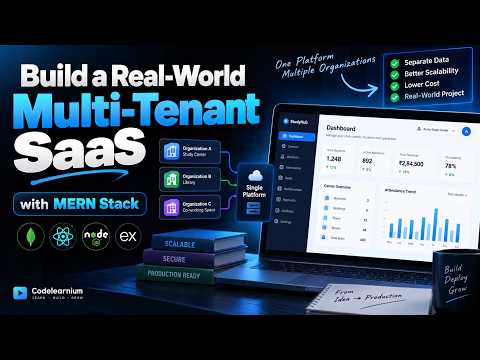
Building a Real-World Multi-Tenant SaaS with MERN | Full-Stack Project
Add Google Login to React in 2026 🔐 | Standard & Custom Button
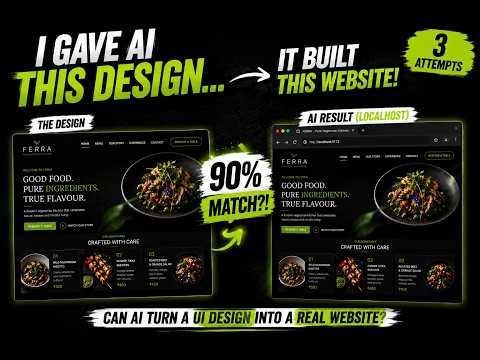
I Gave AI a UI Design — It Built This Website! 🤯 | Google Antigravity
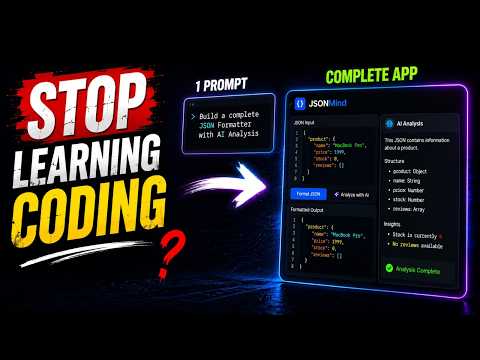
I Build a AI Powered Tool Using Google Antigravity | Can It Build an App from ONE Prompt?
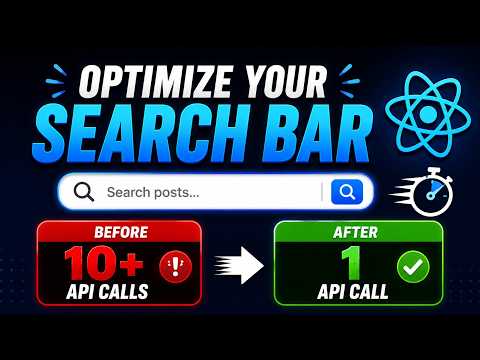
React Debounce Search Bar Explained | Stop Unnecessary API Calls (Real Example)
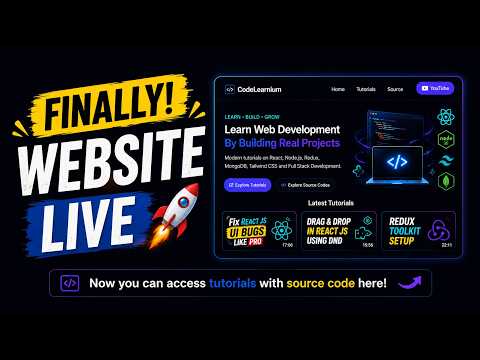
Learn Web Development with Tutorials + Source Code For Free

Codelearnium
Learn modern web development by building real-world projects with complete tutorials, source code, and deployment guides.
Navigation
Community
© 2026 Codelearnium. Built for developers.
Learn • Build • Grow