React Debounce Search Bar Explained | Stop Unnecessary API Calls (Real Example)
In this video, you'll learn how to build a Debounce Search Bar in React using a real API and Tailwind CSS. We start by creating a search feature that makes an API request on every keystroke and then optimize it using Debounce Logic to improve performance and reduce unnecessary API calls. Topics Covered: ✅ What is Debouncing? ✅ Why Search APIs Need Debouncing ✅ React useEffect Debounce Logic ✅ setTimeout & clearTimeout Explained ✅ Real API Search Example ✅ Tailwind CSS Search UI ✅ Loading State Handling ✅ React Performance Optimization ✅ React Interview Question API Used: https://dummyjson.com/ Source Code & Tutorials: Visit CodeLearnium for complete source code and learning resources. 👉 https://www.codelearnium.in/source/debouncing If you found this video helpful, don't forget to Like, Share, and Subscribe to Code Learnium for more React, JavaScript, MERN Stack, and Web Development tutorials. #reactjs #javascript #webdevelopment #frontenddevelopment #tailwindcss #debounce #reacttutorial #mernstack #coding #codelearnium
More Tutorials
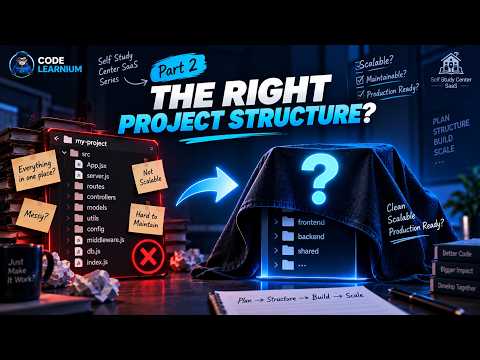
Multi-Tenant SaaS Project Structure with MERN | Frontend & Backend Architecture | #2

How to Design a Multi-Tenant SaaS Database | MERN Stack

Building a Real-World Multi-Tenant SaaS with MERN | Full-Stack Project

Add Google Login to React in 2026 🔐 | Standard & Custom Button

I Gave AI a UI Design — It Built This Website! 🤯 | Google Antigravity

I Build a AI Powered Tool Using Google Antigravity | Can It Build an App from ONE Prompt?

Learn Web Development with Tutorials + Source Code For Free

Codelearnium
Learn modern web development by building real-world projects with complete tutorials, source code, and deployment guides.
Navigation
Community
© 2026 Codelearnium. Built for developers.
Learn • Build • Grow