Deploy Your Frontend Website on Vercel in Just 5 Minutes
🚀 In this video, you'll learn how to deploy a React.js frontend application on Vercel step by step. We will connect our GitHub repository, configure the build settings, and deploy the project to a live production URL using Vercel. Whether you're using React.js, Vite, Tailwind CSS, or a complete frontend project, this deployment process is the easiest way to get your website online for free. What You'll Learn: ✅ Push project to GitHub ✅ Connect GitHub with Vercel ✅ Configure Build Settings ✅ Deploy React/Vite Application ✅ Generate Live Production URL ✅ Redeploy After Code Changes Source Code Link :- https://www.codelearnium.in/source/deploy_react_app_on_vercel Tech Stack React JS Vite GitHub Vercel If you found this video helpful, don't forget to Like, Share, and Subscribe to Code Learnium. 00:00 Introduction 00:40 Password Generator Project Demo 01:30 Deploy React App with Vercel CLI 02:15 Install Vercel CLI 03:10 Login to Vercel 04:20 Deploy Website Using Vercel CLI 07:30 React App Live on Internet 08:30 Deploy React App with GitHub 09:20 Create GitHub Repository 10:30 Push Code to GitHub 12:15 Connect GitHub to Vercel 14:30 Deploy Website on Vercel 16:10 Website Live with GitHub 17:00 Vercel CLI vs GitHub Deployment 18:00 Conclusion #ReactJS #Vercel #Vite #FrontendDevelopment #WebDevelopment #ReactTutorial #Deployment #JavaScript #TailwindCSS #CodeLearnium
More Tutorials
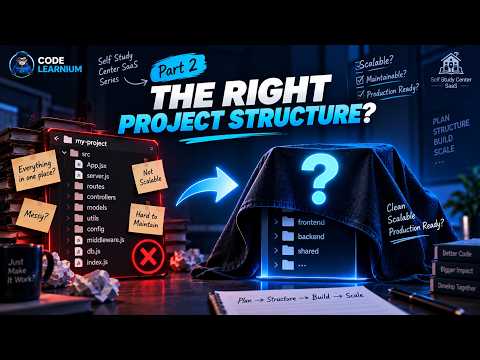
Multi-Tenant SaaS Project Structure with MERN | Frontend & Backend Architecture | #2
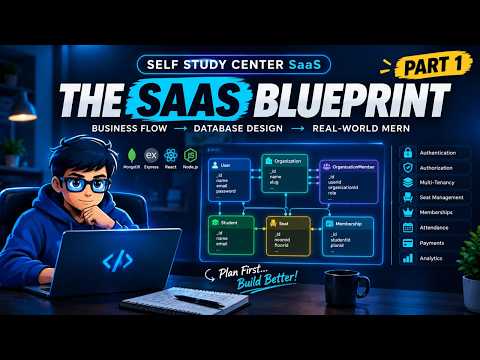
How to Design a Multi-Tenant SaaS Database | MERN Stack
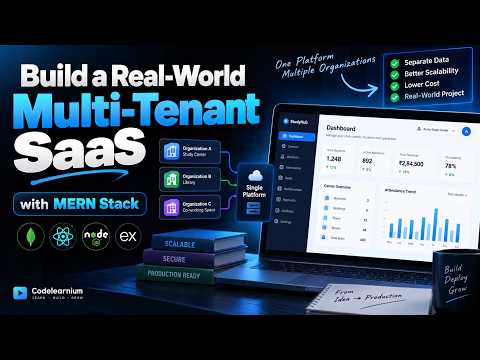
Building a Real-World Multi-Tenant SaaS with MERN | Full-Stack Project
Add Google Login to React in 2026 🔐 | Standard & Custom Button

I Gave AI a UI Design — It Built This Website! 🤯 | Google Antigravity
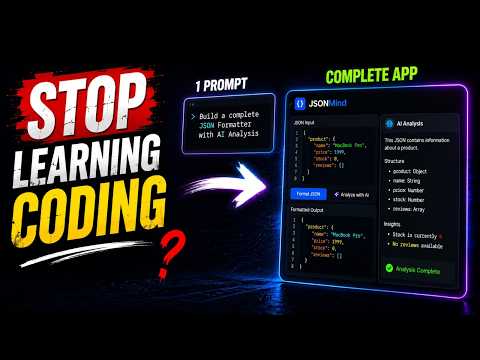
I Build a AI Powered Tool Using Google Antigravity | Can It Build an App from ONE Prompt?
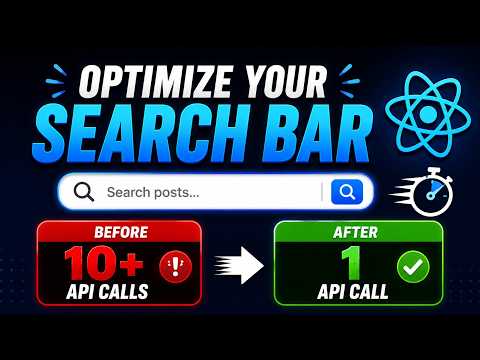
React Debounce Search Bar Explained | Stop Unnecessary API Calls (Real Example)
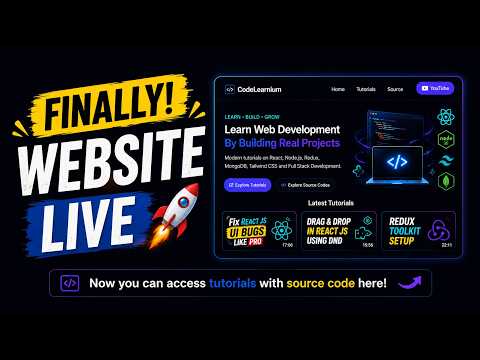
Learn Web Development with Tutorials + Source Code For Free

Codelearnium
Learn modern web development by building real-world projects with complete tutorials, source code, and deployment guides.
Navigation
Community
© 2026 Codelearnium. Built for developers.
Learn • Build • Grow